

TLDR
Technical SEO is a process in which the technology and structure of a website are optimized to achieve better rankings in search engines. This includes reviewing crawling, indexing, mobile-friendliness, load time, and other factors that affect the usability and visibility of a website.
Intro into Technical SEO
To promote your understanding of this topic, we start with a brief Technical SEO FAQ.

What is technical SEO?
Technical SEO refers to the optimization of the technical aspects of a website, including its architecture, content, and coding. This area of SEO aims to improve the user experience as well as the crawlability and indexability of the website through technical adjustments.
Why is technical SEO important?
Improved user experience:
Technical SEO focuses on improving the user experience by making a website easy to navigate, fast to load, and accessible on any device. When a website is optimized for user experience, users are more likely to stay longer, engage with the content, and return to the site in the future.
Increased visibility:
Technical SEO helps websites become more visible in search engines. Search engines use complex algorithms to determine the relevance of a website and its ranking in search results. By optimizing the technical aspects of a website, businesses can increase their chances of appearing higher in search results, which in turn can lead to more traffic, leads, and revenue.
Better crawlability:
Technical SEO helps search engines crawl and index the website more easily. By optimizing the website architecture, sitemaps, and the robots.txt file, businesses can ensure that search engines can access all important pages of the site. This can improve the website's visibility in search results and increase rankings.
Improved mobile optimization:
With the increasing use of mobile devices, it is more important than ever that websites are optimized for mobile devices. Through technical adjustments, you ensure that your website is usable and runs quickly on mobile devices, which typically requires changes to JavaScript and CSS.
Relevant Areas
Website Architecture: The structure of your website can have a significant impact on its ability to rank in search results. This section covers topics such as URL structure, header tags, and internal linking.
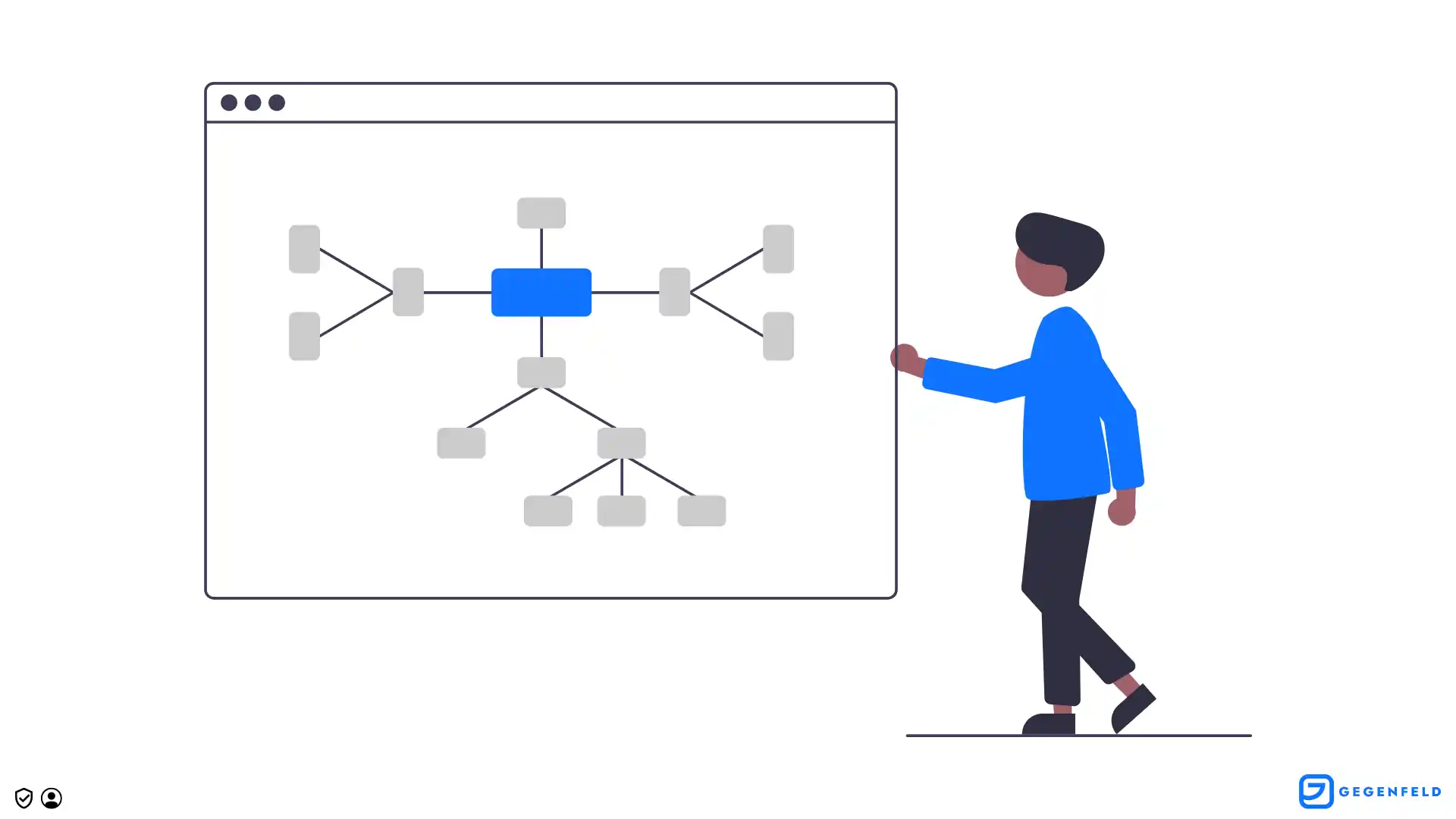
Crawling and Indexing: Understanding how search engines crawl and index your website is essential for your website's SEO. This section covers topics such as robots.txt, sitemaps, and crawl budget.
Mobile Optimization: With the rise of mobile devices, it is more important than ever to optimize your website for mobile users. This section covers topics such as responsive design, mobile-friendly URLs, and mobile page speed.
Load Time and Performance: Load time is a crucial factor for both search engines and users, and this section covers topics such as page load time, image optimization, and minimization of CSS and JavaScript.
Ongoing Optimization and Maintenance: SEO is an ongoing process and covers topics such as regular reviews and updates, monitoring algorithm updates, and continuous monitoring of SEO measures.
Website Architecture
Website architecture refers to the structure and organization of a website, including its content, pages, and navigation. It is an important aspect of website design and can significantly influence the success of a website in terms of search engine optimization (SEO).A well-designed website architecture can improve the visibility of a website in search results, enhance the user experience, and generate more traffic and conversions.
Importance of Website Architecture for SEO
Website architecture is important for SEO for several reasons. First, search engines like Google use crawling algorithms to scan and index the content of a website. A well-organized website with a clear hierarchy and categorization of content makes it easier for search engines to crawl and index the website.
This can lead to a faster and more efficient indexing process, which can have a positive impact on a website's visibility in search results. Furthermore, website architecture influences how users navigate and interact with a website.
Note that search engines also view user experience as a possible ranking factor, so a good user experience can have a positive impact on a website's search engine rankings.
Tips for Your Website Architecture
Clear hierarchy:
A clear hierarchy is essential for effective website architecture. This means organizing content into categories and subcategories and using headings and subheadings to clearly distinguish sections of content. This makes it easier for both users and search engines to understand the organization and content of a website.
Content categorization:
Organizing content into categories and subcategories can improve the user experience and make it easier for search engines to crawl and index the website. Use clear and meaningful category labels to organize the website content well and make it easy to understand.
Clean URL structure:
The URL structure of a website should be clean and understandable. Use unique and meaningful URLs that describe the content of a page. Avoid long and complex URLs that are difficult to understand.
User-Friendly Navigation and URL Structure
Intuitive navigation:
Use simple and intuitive navigation that makes it easy for users to find the desired information on a website. Use clear navigation menus and submenus to organize the content of a website.
Consistent navigation:
Use consistent navigation across all pages of a website. This makes it easier for users to navigate the website and can improve the user experience.
Meaningful URLs:
Use descriptive URLs that describe the content of a page. Avoid incomprehensible URLs with long strings of numbers and letters.
Crawling and Indexing
Crawling and indexing are two important concepts in search engine optimization (SEO). Crawling refers to the process by which search engines automatically browse the internet using special bots (crawlers or spiders) to find and analyze websites.
Once the bots have found a website, they extract information from the website and add it to their database. This process is called indexing. Through crawling and indexing, search engines can create a comprehensive database of websites that they can then display in search results.
By finding and analyzing relevant websites and content, they can provide users with relevant and useful information.
To ensure that your website is crawled and indexed by search engines, it is important to make sure that your website is search-engine-friendly and uses the techniques mentioned above such as robots.txt, meta tags, internal linking, XML sitemaps, and structured data.
How Search Engines Crawl and Index Websites
Search engines use automated software programs called "spiders" or "bots" to browse the web and collect information about web pages. These spiders/bots follow links from one web page to another, visiting each page and analyzing its content, structure, and other factors to determine its relevance and quality.
Once the spiders have collected this information, search engines use complex algorithms to index the pages and rank them based on their relevance and importance for specific search queries.
Techniques to Control How Search Engines Crawl and Index Your Website
Use robots.txt:
This is a file placed in the root directory of your website that tells search engine bots which pages or sections of your website should not be crawled. It is important to note that not all bots follow the rules in this file, so sensitive information should not be stored on web pages blocked by robots.txt.
Use meta tags:
Meta tags are HTML tags that provide search engines with information about a web page. The most important meta tags for SEO are the title tag, the description tag, and the header tags, which provide a brief summary of what the page is about. Meta tags can help search engines understand the content of your website and rank it better in search results.
Use canonical tags:
Canonical tags are HTML tags that tell search engines which version of a web page is the authoritative version. This is useful when there are multiple versions of the same page on your website or on other websites, as it ensures that search engines do not index duplicate content and reduces the likelihood of a penalty for such duplicates.
Tips for Improving Crawlability and Indexability
Use XML sitemaps:
An XML sitemap is a file that lists all the pages of your website and provides information about each page, such as when it was last modified, its importance, and its relationship to other pages on the website. Submitting an XML sitemap to Google or other search engines can help you crawl and index your website more efficiently.
Use structured data:
Structured data is a type of code added to a web page to provide search engines with additional information about its content. This can include things like product reviews, event dates, or recipes. By adding structured data, search engines can better understand what the page is about and how to present this information in search results.
Use internal linking:
Internal linking refers to linking different pages of your website together. Meaningful internal linking improves navigation on your website and helps search engines better understand your pages. By using keywords as anchor texts in your internal links, you can also improve the ranking of the linked pages.
By implementing these tips, you can not only improve the crawlability and indexability of your website, but also increase the usability and ranking of your website in search results. It is important to continuously monitor and optimize these techniques to ensure that your website always stays up to date.
Load Times and Performance
The speed and performance of a website are crucial for SEO, as they directly affect the user experience and rankings in search engines. Slow websites can lead to higher bounce rates, lower engagement, and lower conversion rates.
Furthermore, search engines like Google have stated that website speed is a ranking factor, meaning faster websites are more likely to appear higher in search results. Therefore, optimizing website speed and performance is essential to achieving a successful SEO strategy.
Importance of Website Speed and Performance for SEO
Website speed and performance are crucial factors for SEO, as they can affect the user experience on your website. A website that loads quickly and functions reliably provides a better user experience, which can lead to higher engagement and better search engine rankings.
In contrast, a slow website can lead to increased bounce rates and decreased user engagement, which can negatively affect your search engine rankings.
Search engines like Google have stated that they use page load speed as a ranking factor in their algorithms. This means that websites that load faster tend to rank higher in search engine results pages (SERPs).
It is therefore important to optimize your website speed and performance to improve your search engine rankings and ultimately increase traffic to your website.
Techniques for Improving Website Speed and Performance
Compress images:
Images are an important component of many websites, but can also be one of the biggest causes of slow load times. To optimize image load times, it is important to compress them without losing quality. There are several image compression tools such as Kraken.io and TinyPNG that can compress your images without affecting quality.
Use a Content Delivery Network (CDN):
A CDN is a network of servers that work together to deliver website content based on the user's location. By using a CDN, you can reduce the distance that website data needs to travel, which can significantly improve website speed and performance. Some popular CDNs are Cloudflare, Akamai, and Amazon CloudFront.
Minimize HTTP requests:
HTTP requests are requests made to a server to load website content. The more HTTP requests are made, the longer it takes for a page to load. To minimize HTTP requests, you can combine and minimize CSS and JavaScript files, reduce the number of images on a page, and use browser caching to reduce the number of requests to the server.
Optimize the code:
Optimizing the code can help improve website speed and performance. This can be achieved by removing inline CSS and JavaScript, removing redundant or inefficient code blocks, and keeping the code clean and structured.
Use a caching plugin:
A caching plugin can significantly improve website speed and performance by caching static files and loading them faster when they are requested again. Popular caching plugins are WP Super Cache and W3 Total Cache.
Tools and Resources for Measuring and Analyzing Website Speed and Performance
Google PageSpeed Insights:
A free tool from Google that measures website speed and performance and makes suggestions for improvement. It provides separate analyses for mobile and desktop versions of the website.
GTmetrix:
A free tool that measures website speed and performance and provides a detailed analysis of website performance as well as suggestions for improvement. It also offers a feature to monitor website performance over time.
Pingdom:
Another free tool for measuring website speed and performance. It also provides a detailed analysis of website performance and suggestions for improvement, as well as a feature to monitor website performance over time.
WebPageTest:
A free tool that measures website speed and performance and provides a detailed analysis of website performance as well as suggestions for improvement. It also allows testing website performance from different locations and devices.
Lighthouse:
A free, open-source tool that analyzes the performance, accessibility, and SEO of web pages. It gives a score out of 100 and provides recommendations for improving website speed and performance.
Chrome DevTools:
A set of web developer tools built into the Google Chrome browser. It includes tools for analyzing website performance, including a network panel for tracking network activity, a timeline panel for tracking page load times, and an audit panel for analyzing website performance and accessibility.
Mobile Optimization
Mobile optimization refers to the process of ensuring that a website is optimized for use on mobile devices such as smartphones and tablets.

In today's digital world, mobile optimization is essential for ranking well in search engine results pages (SERPs) and reaching a larger audience. The following reasons highlight the importance of mobile optimization for SEO:
Mobile-first indexing:
Google has shifted its focus to mobile-first indexing, meaning it uses the mobile version of a website's content to determine its placement in SERPs. Websites that are not optimized for mobile devices are therefore likely to perform poorly.
User experience:
Mobile optimization improves the user experience for visitors to a website. Mobile-friendly websites load faster, are easier to navigate, and provide an overall better user experience. This means visitors are more likely to stay on the website longer, which increases engagement and reduces bounce rates.
Increased traffic:
With the growing use of mobile devices, optimizing a website for mobile devices can help attract more traffic. Mobile optimization improves the chances of appearing in SERPs for mobile searches and increases the likelihood that visitors will share the website's content on social media.
Best Practices for Mobile Optimization
Responsive design:
Responsive design is a technique that allows a website to adapt to the screen size of the device with which it is being viewed. This means the website looks and works well on any device, including desktops, laptops, smartphones, and tablets. This is the preferred method of mobile optimization, as it maintains a single URL for the website, making it easier for Google to crawl and index.
Mobile-friendly design:
A mobile-friendly design is a website specifically designed for use on mobile devices. This means the page may have a different layout, content, or features to ensure it is easy to use on a smaller screen. This method may require the use of a separate URL or subdomain for mobile devices.
Page load speed:
Page load speed is a crucial factor in mobile optimization. Pages that load quickly on mobile devices are more likely to retain visitors and reduce bounce rates. Google's PageSpeed Insights can help identify any issues with page load speed and make suggestions for improvement.
Tips for a Seamless User Experience Across All Devices
Consistent branding:
Ensure that the branding and messaging of your website are consistent across all devices. This includes using the same logo, colors, and fonts, as well as using similar language across all pages.
Simple navigation:
Ensure that navigation is simple and intuitive across all devices. Avoid excessive menu items and submenus and instead use a flat navigation structure.
Avoid pop-ups:
Avoid pop-ups, which are often difficult to close on mobile devices and can impair the user experience.
Use clear CTA buttons:
Use clear call-to-action buttons that are easy to recognize and use on all devices.
Test on different devices:
Test your website on different devices to ensure that it functions properly on all devices and provides a good user experience.
International SEO
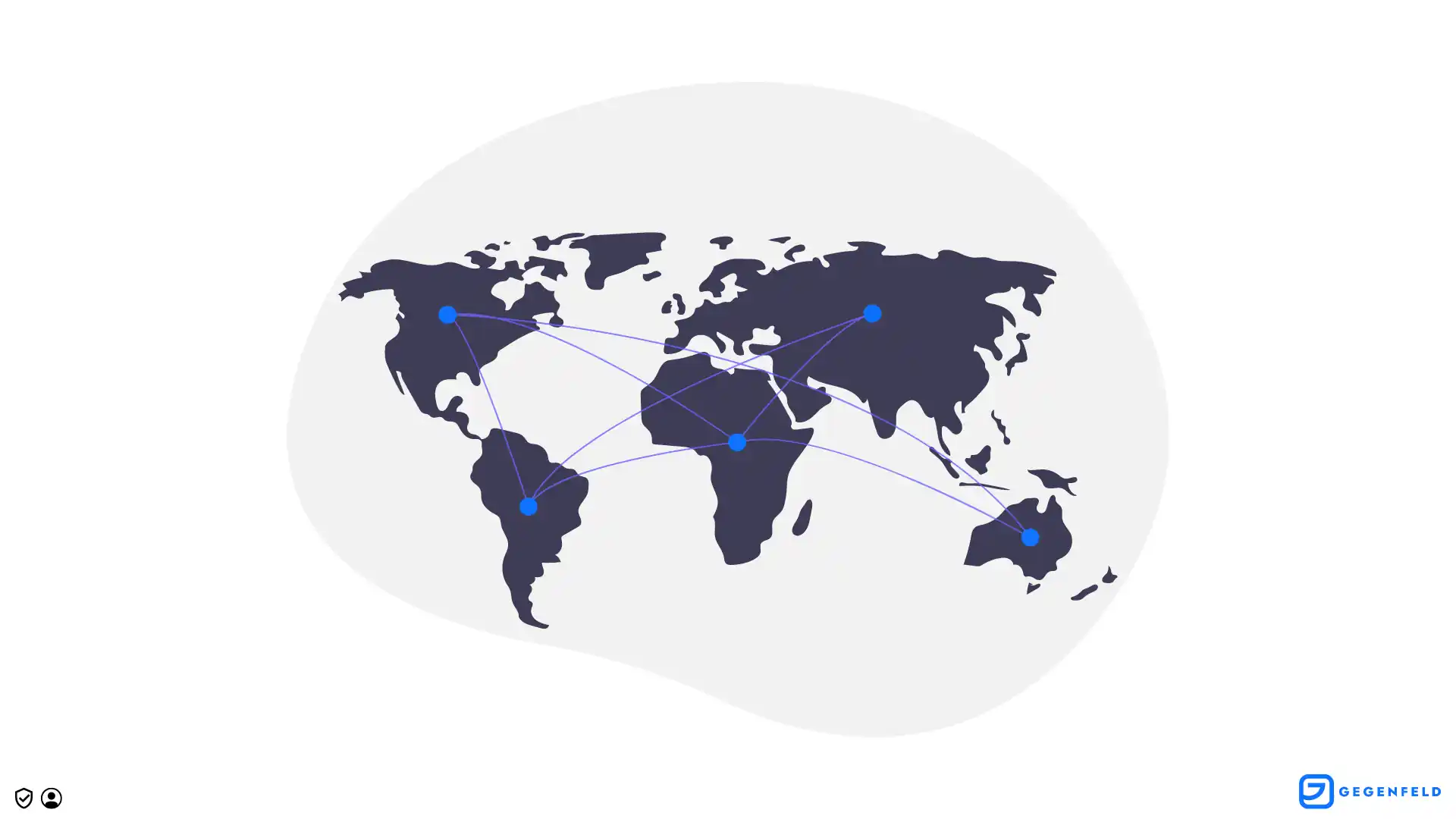
International SEO also has an impact on the overall SEO strategy of a company. When a website is optimized for different languages and countries, it can rank better in multiple countries and languages, thereby generating more traffic and revenue.
Techniques for Optimizing Your Website for International Audiences
Use hreflang tags:
Hreflang tags are an important component of international SEO. They indicate to Google and other search engines which languages and countries are relevant for a specific page. These tags help ensure that your content is displayed to the right audiences.
Create country-specific content:
Another important aspect of international SEO is the creation of country-specific content. When optimizing your website for an international audience, you should create content tailored to the specific needs, cultures, and languages of your target audience. By creating country-specific content, you can gain the trust of users and strengthen your website at the local level.
Use country-specific domains:
If you have an international website, it can be helpful to use country-specific domains. This allows you to ensure that your website appears in local search results and that users have confidence that your website is relevant to their region.
Consider cultural differences:
When optimizing your website for an international audience, you should also consider cultural differences. For example, the choice of colors, design, and layout of your website may vary depending on the culture. By considering these differences, you can gain the trust and acceptance of your target audience.
Tracking and Evaluation
Search engine optimization (SEO) is a continuous process that aims to improve the visibility and ranking of a website in search engine results. To know whether your SEO strategy is successful, you need to track and measure your progress.
Tracking and measurement are important aspects of the SEO strategy and help assess the effectiveness of your measures and improve them in a targeted manner.
Techniques for Tracking and Measuring SEO Progress
Use Google Analytics:
Google Analytics is a free analytics tool that provides you with detailed information about your website visitors and their behavior on your website. By using Google Analytics, you can track data such as page views, time on site, bounce rate, and conversions. This information helps you adjust and improve your SEO strategy.
Use Google Search Console:
Google Search Console is another free tool from Google that helps you understand the performance of your website in search results. With this tool, you can track data such as clicks, impressions, and positions for specific keywords. This information can help you adjust and improve your SEO strategy.
Use backlink monitoring tools:
Backlinks are an important factor for the ranking of a website. It is important to keep an eye on your backlinks to ensure that they come from high-quality sources and not from poor or spam websites. There are various backlink monitoring tools such as Ahrefs, Majestic, or Moz that can help you monitor the quality of your backlinks.
Tips for Interpreting and Analyzing Data to Identify Sources of Error
Focus on important metrics:
When interpreting data, you should focus on the metrics that are most important for your goals. For example, if you want to increase traffic to your website, you should focus on metrics such as page views and visitor numbers.
Compare data over a longer period:
It is important to compare data over a longer period to identify trends and patterns. For example, if you compare data from one year, you can see whether the performance of your website has improved or deteriorated.
Identify causes of changes:
When you notice changes in your data, you should look for the causes. For example, if your bounce rate has suddenly increased, this could indicate that your website has poor content or loads slowly. By identifying the causes, you can take targeted measures to fix the problems.
Summary
In this technical SEO guide, we have covered some of the most important aspects of search engine optimization that focus on the technical aspects of your website. The key takeaways include:
Website structure:
A clear and logical website structure is important for the usability and crawlability of your website by search engines.
Mobile optimization:
Your website must be optimized for mobile devices to improve both usability and ranking in search engine results.
Website speed:
The speed of your website is an important ranking factor. You should ensure that your website loads quickly and has no unnecessary delays.
Canonical tags:
Use canonical tags to ensure that search engines recognize your preferred version of pages with duplicate content.
Sitemap:
A sitemap is an important technical aspect of your website that helps search engines index your pages quickly and efficiently.
Security:
A secure website is equally important for users and search engines. Use HTTPS and ensure a secure website.
Reliable Resources for Learning SEO and Implementing Techniques
To expand your knowledge in the field of technical SEO and improve your skills, there are many resources available. Here are some suggestions:
Google Search Console:
A free tool from Google that helps you improve the performance of your website in search engine results.
Moz:
A comprehensive SEO toolset that helps you improve the visibility of your website in search engine results.
SEMrush:
Another comprehensive SEO toolset that helps you improve the performance of your website and monitor your competitors.
Google Analytics:
A free analytics tool with which you can track and measure the usability and success of your website.
By understanding the key aspects of technical SEO and continuously learning and improving, you can ensure that your website remains competitive in search engine results
Written by
Gegenfeld Team
Gegenfeld Team