
Do you want your website to be found on Google? Before you start using all kinds of strategies, you should first understand the basics of SEO. Only with a solid foundation can you build long-term success.
Additionally, you generally don’t need complicated or aggressive SEO strategies. Often, simply executing the basics correctly is enough to stay one step ahead of your competitors. At its core, SEO is quite simple and can be described as creating trustworthy, user-focused content.

Basic SEO Questions
Do question marks appear over your head when you think about SEO? You’re not alone. To give you a solid knowledge base, we’ll now clarify some of the essential SEO questions. After this section, you will already know more about SEO than most website owners.
What is SEO?
SEO (Search Engine Optimization) describes methods used to make the content of a website appear prominently in the search results of search engines such as Google.
If you are not exactly sure how Google selects its search results, we recommend the first part of our SEO guide: “How Search Engines Work.”
Why is SEO Important?
Search queries accounted for around 40% of total internet traffic in 2020. Of those 40%, 92% came from the best-known search engine: Google.
Google processes around 5.5 billion search queries every day. For each query, organic search results are displayed.
Websites that appear in search results essentially receive constant free advertising and visitors through Google. With SEO, you can increase the likelihood that your website will also appear for certain search queries.
What Are the Advantages of SEO?
Compared to traditional online advertising, SEO offers the advantage that you do not pay for the ranking of your website. If your content ranks highly, it can consistently appear in that position.
In addition, SEO is part of inbound marketing, which tends to be perceived more positively by consumers than outbound marketing.
As a result, you can gain more visitors and potentially more revenue without direct advertising costs.
Who Needs SEO?
Basically, every company with its own website benefits from SEO.
Online stores and providers of digital services in particular should focus on search engine optimization. However, local businesses and freelancers can also benefit from SEO within their local area.
How Does SEO Work?
You can find the individual components in our SEO guide. These include:
Keyword research
On-page SEO
Link building
Technical SEO
Before You Start with SEO
You can influence your SEO results even before you own a website. Therefore, take a good look at the following points so you can start with a strong foundation.
Domain Names, Subdomains, and TLDs
We start at the first level: your domain. Your domain represents your web presence, so you should think carefully about your choice.
A domain can be divided into three parts:
Subdomain(s)
Domain name
Top-Level Domain (TLD)
Example domain:
www – Subdomain – A separate area independent from the root domain
gegenfeld – Domain name – The name of the website that forms the root domain together with the TLD
.com – Top-Level Domain (TLD) – The highest level of the domain, either generic or country-specific
Subdomains are treated separately from the root domain (domain name + TLD) in SEO. Therefore, the popularity of the main domain only partially affects the subdomain.
For TLDs, we recommend generic TLDs (gTLDs) such as:
.com
.net
.org
Or country-specific TLDs (ccTLDs) such as:
.de
.at
.ch
.eu
Special roles are played by:
.gov – used only by US government institutions
.edu – used only by US educational institutions
According to Google, the TLD itself does not directly affect your SEO score, but you should avoid TLDs commonly associated with spam.
Examples of frequently abused TLDs:
.surf
.casa
.live
.rest
.gq
.info
.cam
.ml
.beauty
.tk
Choosing a Good Domain Name
To appear trustworthy, you should carefully choose your domain name.
Your name will be directly associated with your brand.
Recommended criteria for domain names:
Maximum 12 characters (if possible)
Include a brand name or keyword
Easy to pronounce
Memorable
Avoid:
Copyright or trademark violations
Misspelled company names of other brands
Personal data of third parties
Impersonating other companies or government institutions
Examples
Negative example | Positive example | Problem |
suchmaschinenoptimierungfuereinsteiger.de | seolernen.de | Too long |
kielfewo.info | kielfewo.de | Untrustworthy TLD |
amazonn.com | – | Brand imitation |
As you can see, even a simple element like a domain has significant SEO potential.
However, you should not force a keyword-based domain. For branding reasons, your domain should ideally match your company name.
For example, if you sell hiking shoes, your domain does not necessarily need to be wanderschuhe.de.
Content Management Systems and SEO
Your Content Management System (CMS) is the platform used to build your website.
Besides CMS platforms, there are also website builders and e-commerce systems.
Platforms can be categorized as:
Cloud hosting
On-premise
Paid
Free
Proprietary
Open-source
Traditional
Headless
The most widely used CMS in the world is WordPress (open-source version).
It fulfills many SEO-friendly requirements because:
It can be self-hosted
It is open source
It can run on high-performance hardware
It is easily extendable
For advanced users, a Headless CMS like Contentful or WordPress VIP may be preferable because it offers more flexibility through an API-first approach.
SEO-friendly platforms include:
WordPress – Open source and free
Chimpify – High-performance CMS provider from Germany
Shopify – E-commerce website builder
Contentful – API-based content platform
Web Hosting and SEO
Your web hosting is just as important as your CMS.
Due to GDPR regulations, website operators should ensure their hosting is GDPR-compliant.
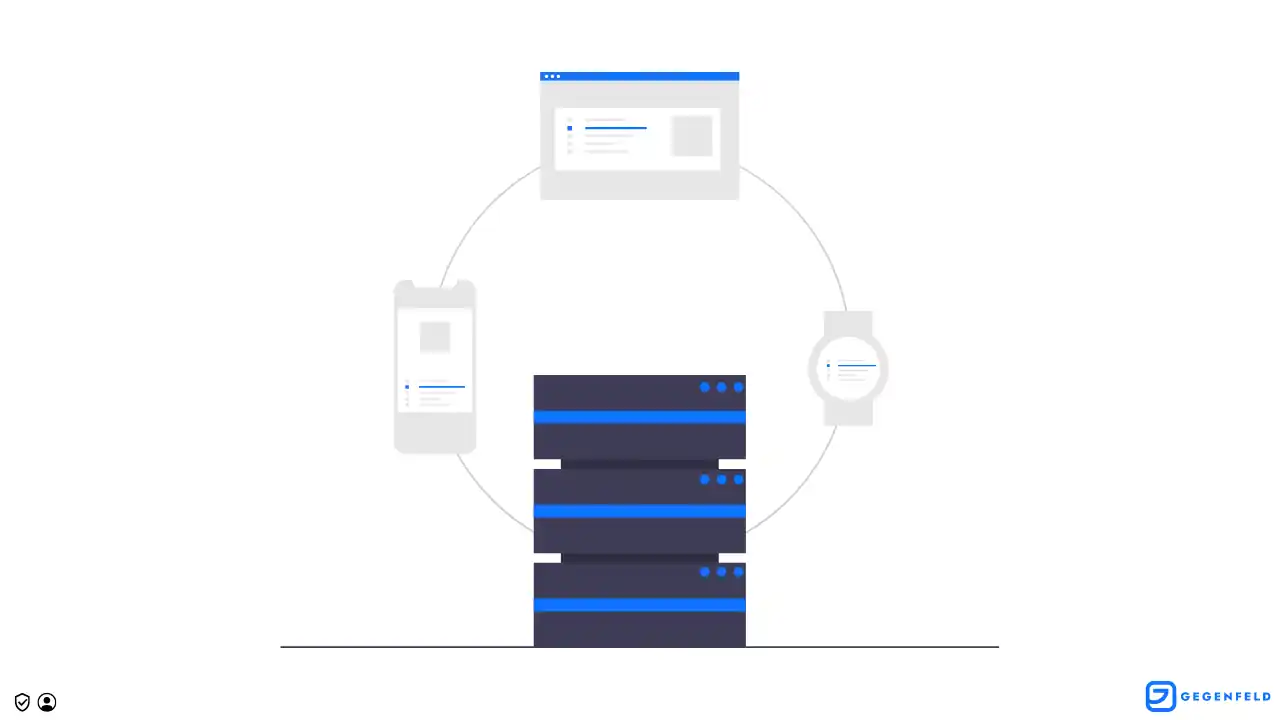
Important criteria for hosting providers:
GDPR compliance – Ensures user data security
Server location – Short latency for visitors
Scalability – Ability to grow with traffic and data
Compatibility – Server stack matches your CMS (e.g., LAMP for WordPress)
Support – Fast help in case of problems
Recommended hosting providers for websites in Germany:
Hetzner – Fast hosting in Germany
Raidboxes – WordPress hosting in Germany
All-inkl – Affordable hosting in Germany
Mittwald – CMS-optimized hosting in Germany
Scaleway – Scalable cloud hosting in France
Large providers like DigitalOcean, AWS, Google Cloud, and Microsoft Azure are not listed due to potential GDPR complications with US companies, although they are still strong hosting options.
HTTPS and SEO
A secure connection is indicated by the HTTPS protocol.
Search engines and browsers ensure that your website’s data traffic is encrypted.
Encryption is enabled using an SSL/TLS certificate.
Most hosting providers automatically generate this certificate, so no additional work is required.
UX/UI Design for SEO
Have you ever opened a website where you must close three pop-ups, zoom in to read the text, and the layout constantly shifts due to ads?
This happens when a website is built without user experience or SEO in mind.
A simple question can help you improve your website:
“What annoys me when reading this page?”
If you cannot find an answer, you are on the right track.
Common mistakes include:
Poor mobile optimization
Slow loading speed
Confusing layout
Meeting these criteria already puts you ahead of most competitors.
Mobile-First

Check your website on a smartphone:
Does it load fast enough?
Does the layout shift?
Is the text easy to read?
Responsive web design can fix these issues.
Avoid:
Large external media
Huge image files
Long text blocks
Small fonts with poor contrast
Loading Speed
Besides hosting, your website code strongly affects speed.
As a general rule:
Pages should load in under 2 seconds.
Slower pages can:
Drive users away
Reduce conversion rates
Choose a CMS that produces clean code.
For beginners, Chimpify is recommended due to fast hosting and compressed code.
WordPress users can improve speed using plugins that compress JavaScript and CSS.
Image files also affect speed. Use optimized formats such as:
WEBP
WEBP2
AVIF
Logical Website Structure
Search engines crawl websites by automatically visiting URLs and evaluating their content.
Your URL structure should:
Follow a clear hierarchy
Be logical
Be optimized for web crawlers
Include relevant keywords
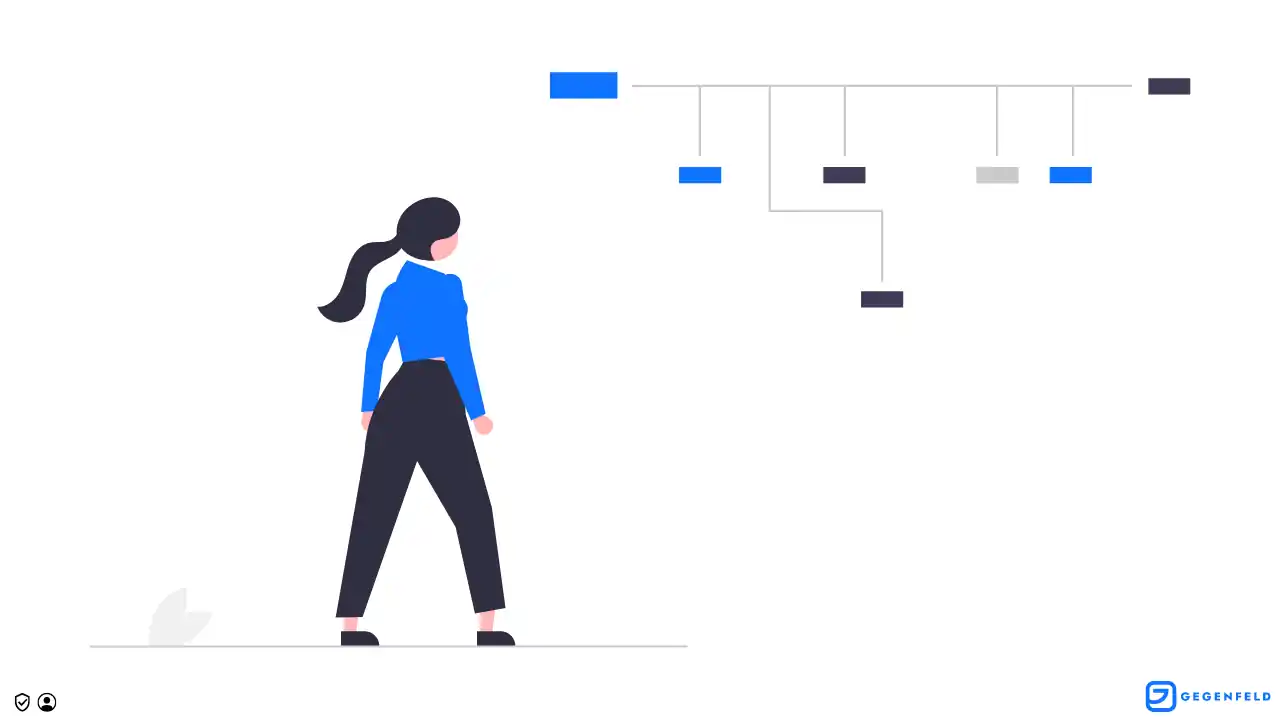
Example:
Good:
https://gegenfeld.com/ratgeber/seo-grundlagen/
Poor:
https://gegenfeld.com/2022/12/10/123
Website structures are never perfect. SEO requires continuous testing and optimization.
SEO is an ongoing process.
Getting Your Website Indexed
For users to find your site, it must first be included in the search engine index.
Google automatically crawls websites and may add them to its index.
The Googlebot follows links between pages, gradually creating a complex web of connected pages.
To help Google, you can add a sitemap.
A sitemap is a list of all pages that should be indexed.
You can submit it through Google Search Console.
Creating a Sitemap
Most modern CMS systems automatically generate a sitemap.
You can check it by entering:
yourdomain.com/sitemap.xml
If you cannot find it there, check your robots.txt file:
yourdomain.com/robots.txt
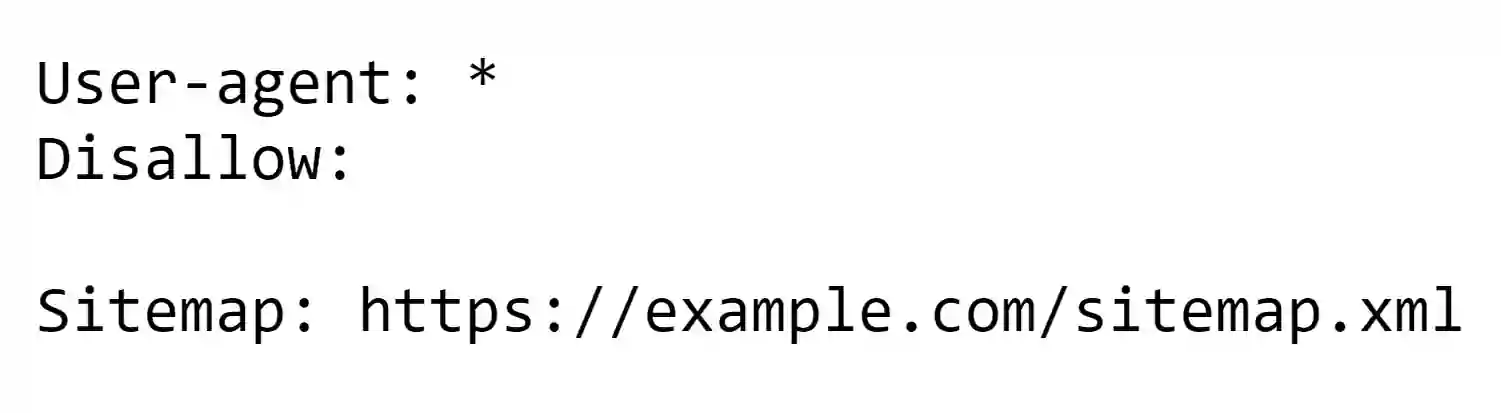
If no sitemap exists, you can generate one using:
SEO plugins (for WordPress)
Tools like XML-Sitemaps
Large websites naturally have larger sitemaps. You can remove unimportant pages to ensure Google indexes only the most relevant ones.
Submitting Your Sitemap
To submit your sitemap, you need a Google Search Console (GSC) account.
Steps:
Add your domain
Verify ownership via DNS records
Go to Sitemaps
Enter the sitemap URL
Your site will then be added to Google’s index.
Web Analytics and SEO Tools
You should measure your SEO performance using analytics tools.
We personally waited several months before implementing analytics and lost valuable time.
You can avoid that mistake.
Web Analytics Tools
GDPR-friendly tools include:
Matomo – Simple, affordable, GDPR-compliant
eTracker – German provider with minimal data collection
Plausible – Modern alternative to Matomo
At the beginning, simple analytics tools are enough. Too much data can quickly become overwhelming.
SEO Tools
SEO tools are even more important for content research and optimization.
Recommended tools:
Also, use Google Search Console.
Even the best software will not help without sufficient expertise. Therefore, it is equally important to stay informed and continue learning.
You never stop learning.
Written by
Gegenfeld Team
Gegenfeld Team