

Content is king - even in SEO. But how does content actually reach the top tier? We’ll show you how to prepare your content to potentially achieve higher rankings (no pun intended) in the search results (SERPs).
Questions About On-Page SEO
First, we’ll answer some common questions about on-page SEO so you can dive deeper into the guide afterward.

What Is On-Page SEO?
On-page SEO refers to optimizing the content and HTML source code of a webpage to improve its relevance and authority for specific keywords.
Why Is On-Page SEO Important?
On-page SEO is an important part of SEO because it helps search engines understand the content and context of a webpage. This can affect its ranking in search results.
It is also important for improving the user experience (UX) of a website through better usability and navigation.
On-Page SEO Factors
Below is an overview of the most important on-page SEO factors:
Title tags
Meta descriptions
Headings
Content quality
Keywords
Internal linking
Image optimization
URL structure
Mobile friendliness
Page speed
Follow the tips below and measure your results using an analytics tool or Google Search Console to see how your content performance develops in the weeks after implementation. Adjust your strategy if you discover further optimization potential.
Title Tags (Page Titles)
Title tags are important for on-page SEO because they help search engines better understand your website content. Make sure to add an appropriate title tag for every SEO-relevant page.
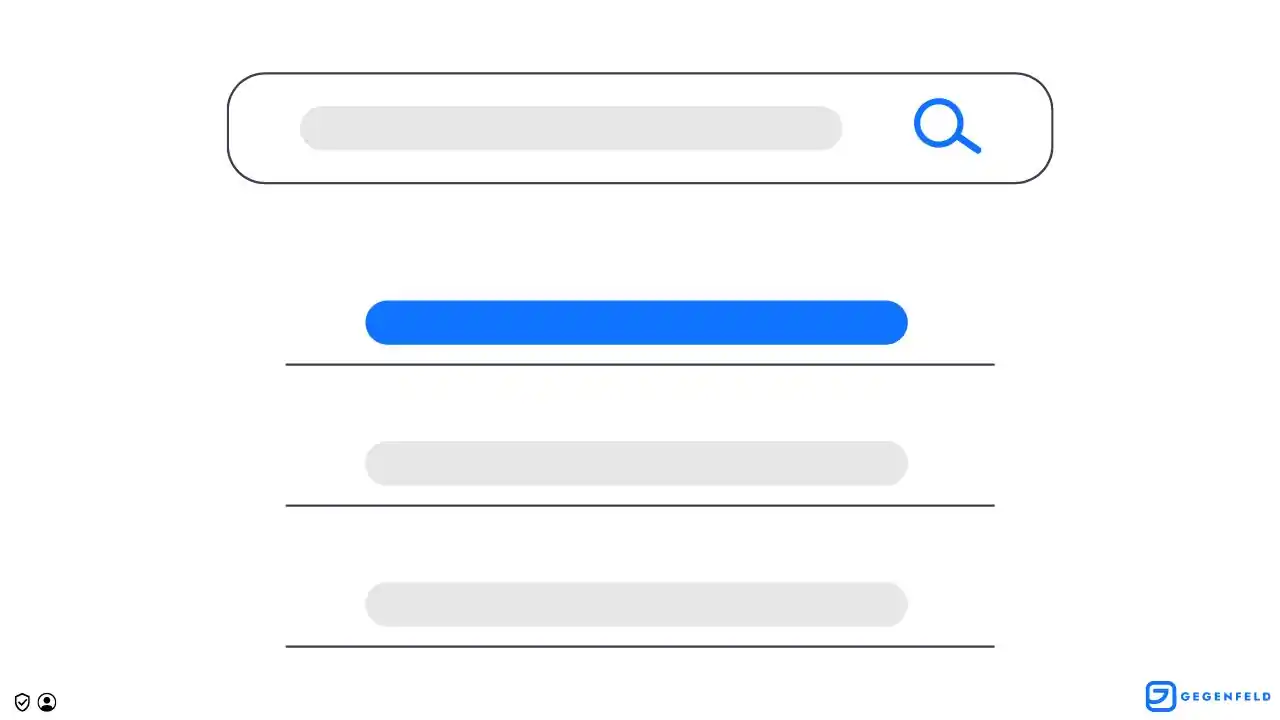
Use the Title Tag
The title tag is the title of your webpage and is displayed in the search results of Google and other search engines.
Choose it carefully, because it is one of the most important on-page SEO factors and appears prominently in search results.
Writing a Good Title Tag
Write title tags that are descriptive and concise. Include the primary keyword you want the page to rank for.
Your page titles should always clearly show what the page is about.
Title Tag Length (Characters)
Your title tag should contain 50–60 characters. This ensures it displays correctly on both desktop and mobile devices.
If you do not optimize your title tags:
Mobile users may see truncated titles
Google may modify your title
Title Tag Changed by Google
Google has been known to adjust titles in search results if they are not optimized. This is generally not a problem—Google is simply helping improve the title.
Example – Optimized Title Tag
<head>
  <title>The Top 20 Hiking Routes in Upper Bavaria 2022 | Company XYZ</title>
</head>
Meta Description and Keyword Tags
Meta tags allow you to add additional information about your webpage, such as a short description or keywords.
Meta Description
The meta description tag is often used as the text snippet that appears below a link in search results (SERPs). It can influence whether users decide to click on your link.
Meta Description Length (Characters)
Add a maximum of 155–160 characters to your meta description. This ensures the full description appears in search results and is not truncated on mobile devices.
Example – Optimized Meta Description
<head>
<meta name="description" content="Hiking in Upper Bavaria: Discover the top 20 hiking routes in Upper Bavaria in 2022. Use our interactive maps to plan your tours.">
</head>
Meta Keywords
The meta keywords tag is no longer used by most search engines.
It was previously used to list relevant keywords. You should not use meta keywords on pages you want to rank in Google.
Headings (H1–H6)
Headings should ideally be used to structure your content semantically.
Their meaning comes from their hierarchical weight:
H1 = highest importance
H6 = lowest importance
Using Headings
Headings and subheadings should:
Be descriptive
Be relevant to the page content
Include important keywords or relevant phrases
Headings and Semantics
Use a logical and hierarchical structure:
H1 = main topic of the page
H2, H3, etc. = subtopics
Avoid logical jumps in the hierarchy.
For example:
An H2 heading may be followed by H3, but not by H4 directly.
An H4 heading may later be followed by an H2.
Headings for Design
Do not use headings purely for visual design purposes.
Search engines rely on the semantic meaning of H-tags to interpret and evaluate content.
For purely visual effects, use neutral HTML elements like <span> and style them with CSS.
High-Quality Content
High-quality content is essential for on-page SEO because it helps search engines assess the relevance and authority of your website within a specific topic area.
Optimizing content according to important on-page SEO criteria helps demonstrate expertise to both users and search engines.
Content Checklist
Focus keywords in prominent positions
Synonyms and keyword variations
Formatted content such as lists and tables
Icons, images, videos, and infographics
Internal and external links
Resource and reference sections
Semantically correct page structure
Using Keywords
Keywords are words or phrases relevant to your webpage that users may use to search for your content.
Use one primary keyword (focus keyword) to help search engines understand the relevance and context of the page.
Always integrate keywords naturally.
Avoid keyword stuffing, which is the excessive use of keywords to manipulate search rankings.
Important
The frequency of your focus keyword should generally not exceed about 2% of the text.
Otherwise:
The text becomes unnatural to read
Search engines may penalize the page with reduced visibility
Using Synonyms and Variations
Using synonyms and keyword variations offers several advantages for on-page SEO.
Improved Readability
Using the same keyword repeatedly can make your content repetitive and boring.
Synonyms and variations make your content more natural and engaging.
Increased Topic Relevance
Including related keywords helps search engines recognize your page as relevant for a wider range of search queries.
This increases the likelihood of appearing higher in search results.
Formatted Content and Structured Data
Use formatted content such as lists and tables to enhance your content.
These formats help readers scan and understand information quickly.
They also help search engines interpret the structure of the information.
This is particularly helpful when readers are looking for quick answers.
You can also include:
FAQ sections
How-to guides
These can increase the chance of appearing in enhanced SERP snippets, which improve visibility in search results and may increase organic traffic.
Information for Search Engines
Formatted content also improves the structure and hierarchy of your content.
Lists and tables help search engines identify important information and topic relevance.
This can positively affect search rankings.
Accessibility
Formatted content can improve accessibility.
Semantic HTML elements in lists and tables help screen readers and assistive technologies better understand your content.
This is especially important for users with disabilities.
Content Length
Comprehensive content can help establish your website as an authority on a topic.
Detailed, well-researched articles show search engines and readers that you have deep knowledge and credibility.
This can improve your SERP rankings and site authority, especially in the era of E-A-T (Expertise, Authoritativeness, Trustworthiness).
Covering Subtopics and Keywords
Longer content allows you to cover multiple keywords and related topics.
This enables you to create pillar content that ranks for a wide range of search queries.
It may also:
Increase time spent on your website
Reduce bounce rates
These signals tell search engines that your content is valuable and relevant, which can improve rankings.
Image Optimization
Optimized images are important for on-page SEO because they improve:
Page load speed
User experience
Large or poorly optimized images can slow down your website, negatively affecting rankings.
SEO-Friendly Image Formats
Choose formats with high compression rates, such as:
AVIF
JPEG
MozJPEG
SVG (text format)
WebP
WebP v2
Smaller optimized images improve Core Web Vitals performance and user experience.
You can also adjust image resolution to balance quality and loading speed.
Best Practices for Images
Use descriptive file names File names should accurately describe the image content.
Compress images Use compression tools to reduce file size without losing quality.
Use the right file types JPEG works best for photos, while PNG is better for graphics or images with transparent backgrounds.
Use alt text Alt text describes the image and provides context for search engines.
Use responsive images Responsive images automatically adapt to the device screen size.
Internal Linking
Internal linking helps search engines understand your website structure and hierarchy.
By linking to other pages on your website, you show search engines:
Which pages are most important
How they relate to each other
Tip
Link to topically relevant pages within your content.
Passing Link Juice
Internal links distribute link juice, the value passed through links.
This can help improve the rankings of linked pages.
Improved Navigation (UX)
Internal linking also helps users navigate your website and discover related content.
Better Indexing
Search engines follow links to discover new pages.
Internal linking increases the chance that more pages will be crawled and indexed.
Best Practices
Use descriptive anchor text
Maintain a logical link structure
Link to valuable internal pages
Avoid excessive or irrelevant links
Anchor Text for Links
Anchor text is the clickable text of a hyperlink.
It helps search engines understand the content and context of the linked page.
Use descriptive and relevant anchor text for internal links.
URL Structure
A well-structured URL helps both search engines and users understand the content of a webpage.
Best Practices
Use descriptive and concise URLs
Separate words with hyphens
Avoid special characters and unnecessary words
Maintain a logical hierarchy
Including keywords in URLs can improve relevance and rankings.
Example
Optimized URL structure:
https://hiking.com/pilgrimage/camino-de-santiago
Include the primary keyword, but avoid keyword stuffing.
Mobile Optimization
Mobile optimization improves usability and rankings on mobile devices.
Remember
Use responsive design so your website works properly across different devices and screen sizes.
With more users browsing on mobile devices, optimizing for mobile ensures a smooth user experience.
Page Speed and Performance
Your pages should load in about one second.
Fast loading times:
Improve user experience
Increase the likelihood that users stay on your site
Search engines also favor websites that offer good user experiences.
Optimizing Load Time
Several techniques can improve page speed.
Best Practices
Optimize images Use properly sized and compressed images.
Minimize HTTP requests Combine files and use CSS sprites to reduce requests.
Use a Content Delivery Network (CDN) CDNs deliver content from servers closer to the user.
Minimize plugins Each plugin adds extra code that must be loaded.
Enable compression Enable Gzip compression on your server.
Use browser caching Set expiration dates for static resources to prevent repeated downloads.
Browser Caching
Caching and compression techniques help reduce loading times by:
Storing static resources on user devices
Reducing file sizes transferred over the network
Common techniques include:
Browser caching
Server-side caching
Gzip compression
Minification
Conclusion
On-page SEO is a core element of any successful SEO campaign.
Apply the tips in this guide to improve the performance of your content in Google and other search engines.
Summary of Key Points
On-page SEO involves optimizing the content and HTML source code of a webpage to improve relevance and authority for specific keywords.
Key factors include:
Title and meta tags
Headings (H1–H6)
Content optimization
Image optimization
Internal linking
URL structure
Mobile optimization
Core Web Vitals
Next Steps for Implementing On-Page SEO
To implement on-page SEO techniques:
Conduct keyword research to identify valuable keywords
Optimize title tags, meta tags, headings, content, and images
Use internal linking to improve navigation and usability
Ensure your website is mobile-first and fast
Monitor performance using tools such as Google Analytics and Google Search Console
Written by
Gegenfeld Team
Gegenfeld Team